
User Guide
Follow these steps to effectively use our tool with images.
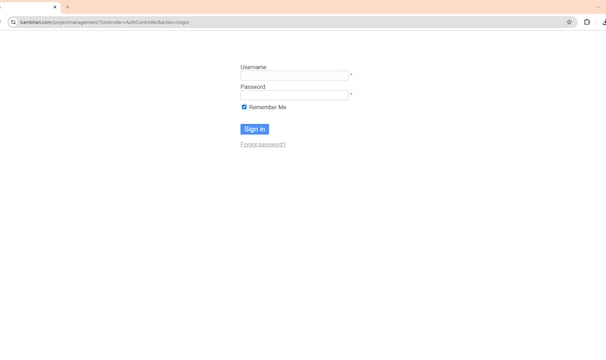
Step One
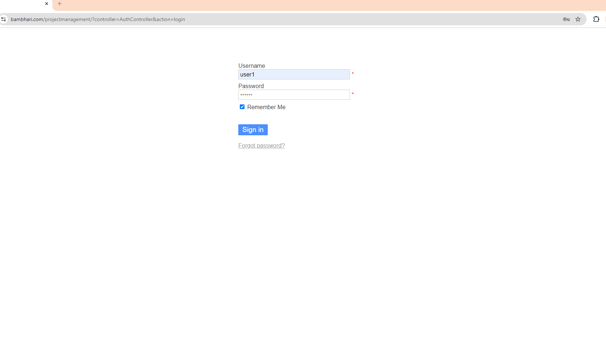
Login to the Project Management tool using your Email ID and Phone number as username and password respectively
Step Three
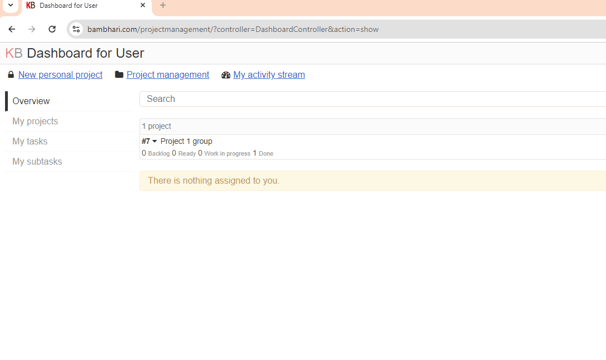
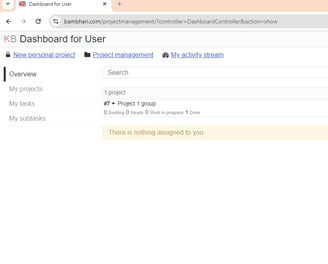
Open the group in which you and your team members are there.
Step Four
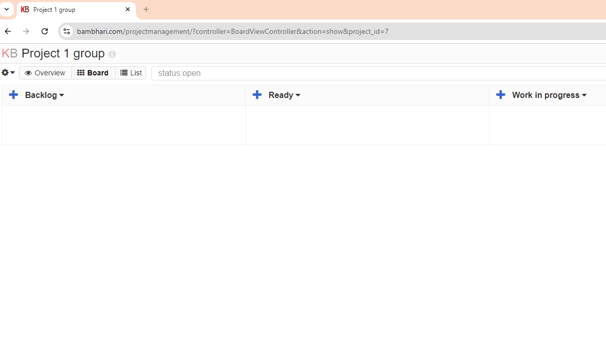
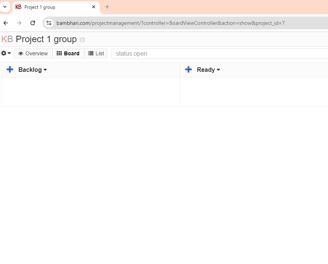
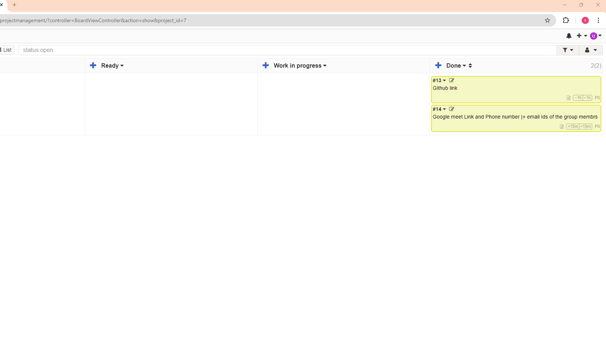
In the work in progress add 2 things, one is the GitHub Repository link where you will share your project with your group members as well as with the organizers. Then 2nd thing is add Google meet link and your phone number and email Id so that your team mates can contact you.
Step Five
Your team mates and you are now connected.
Step Two

